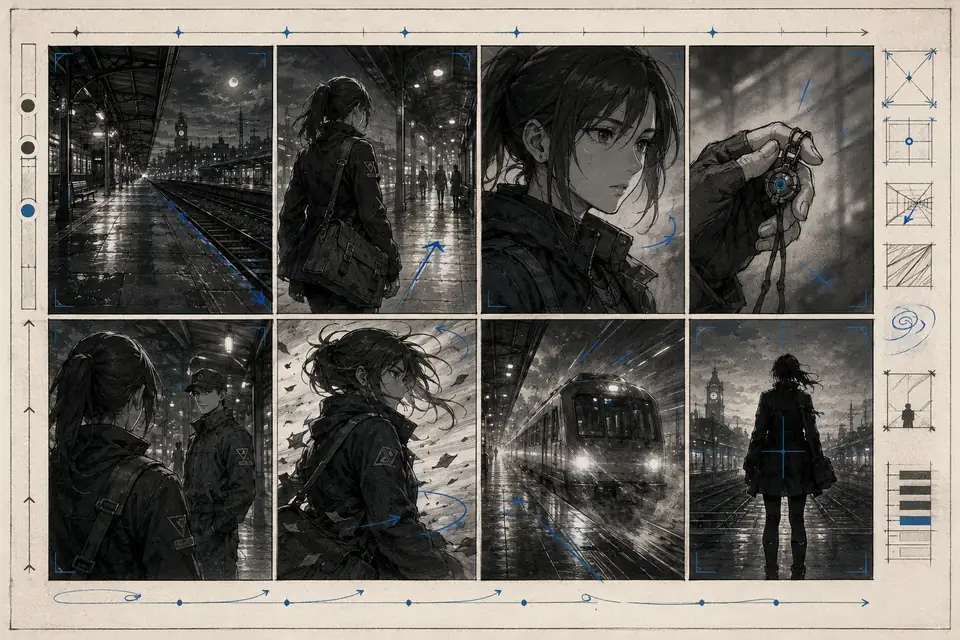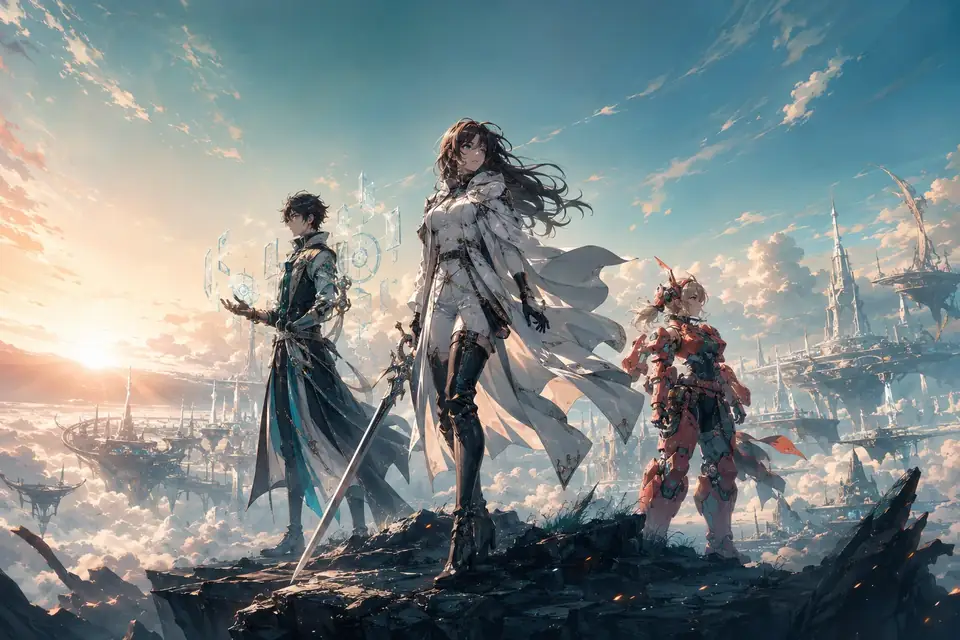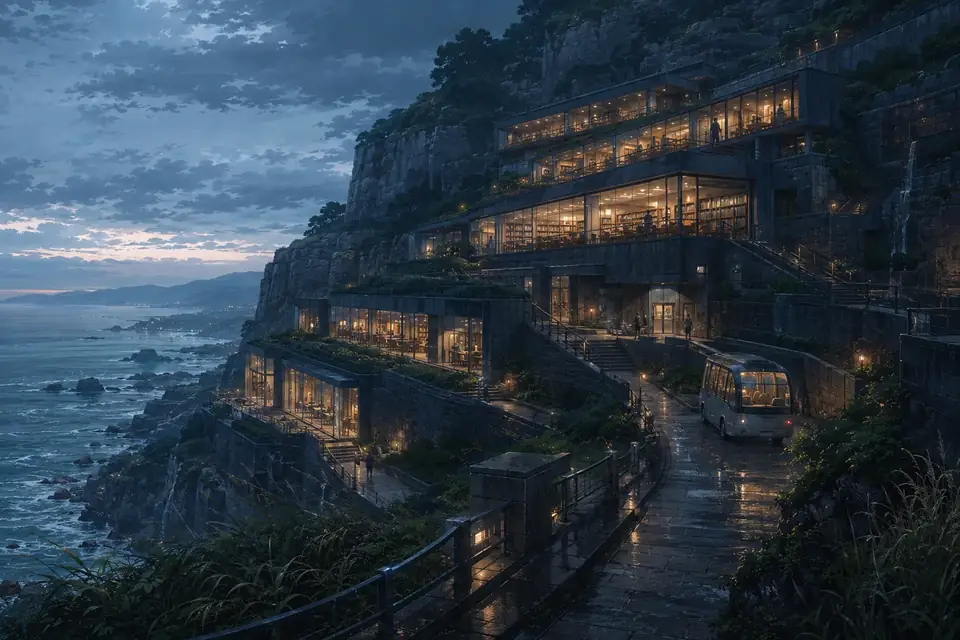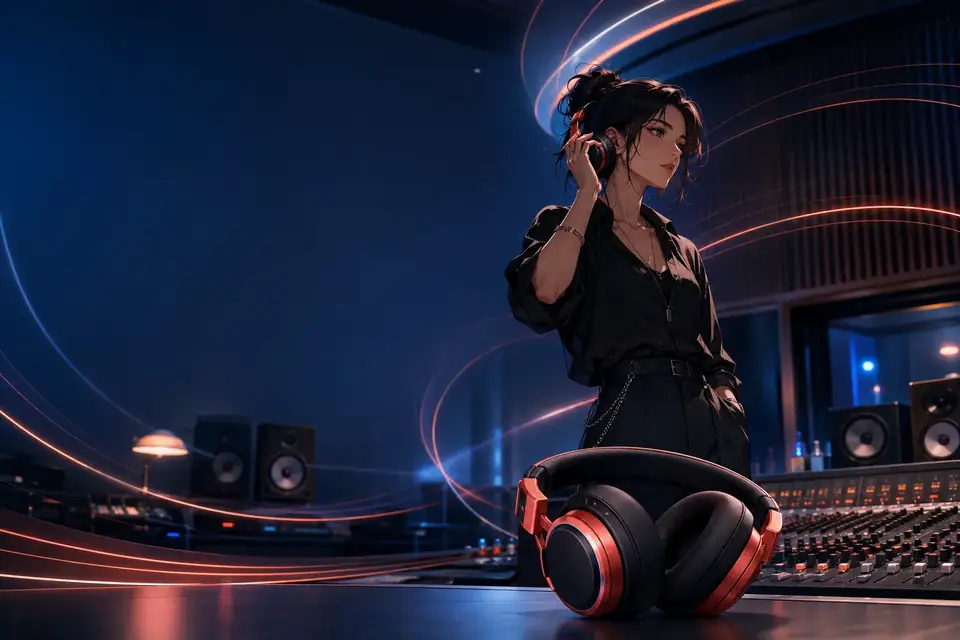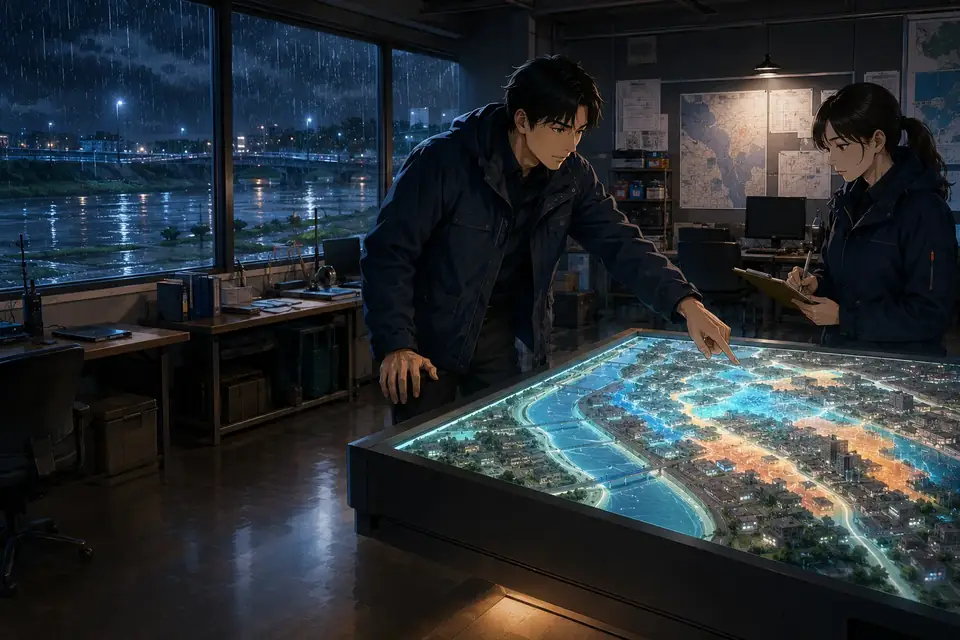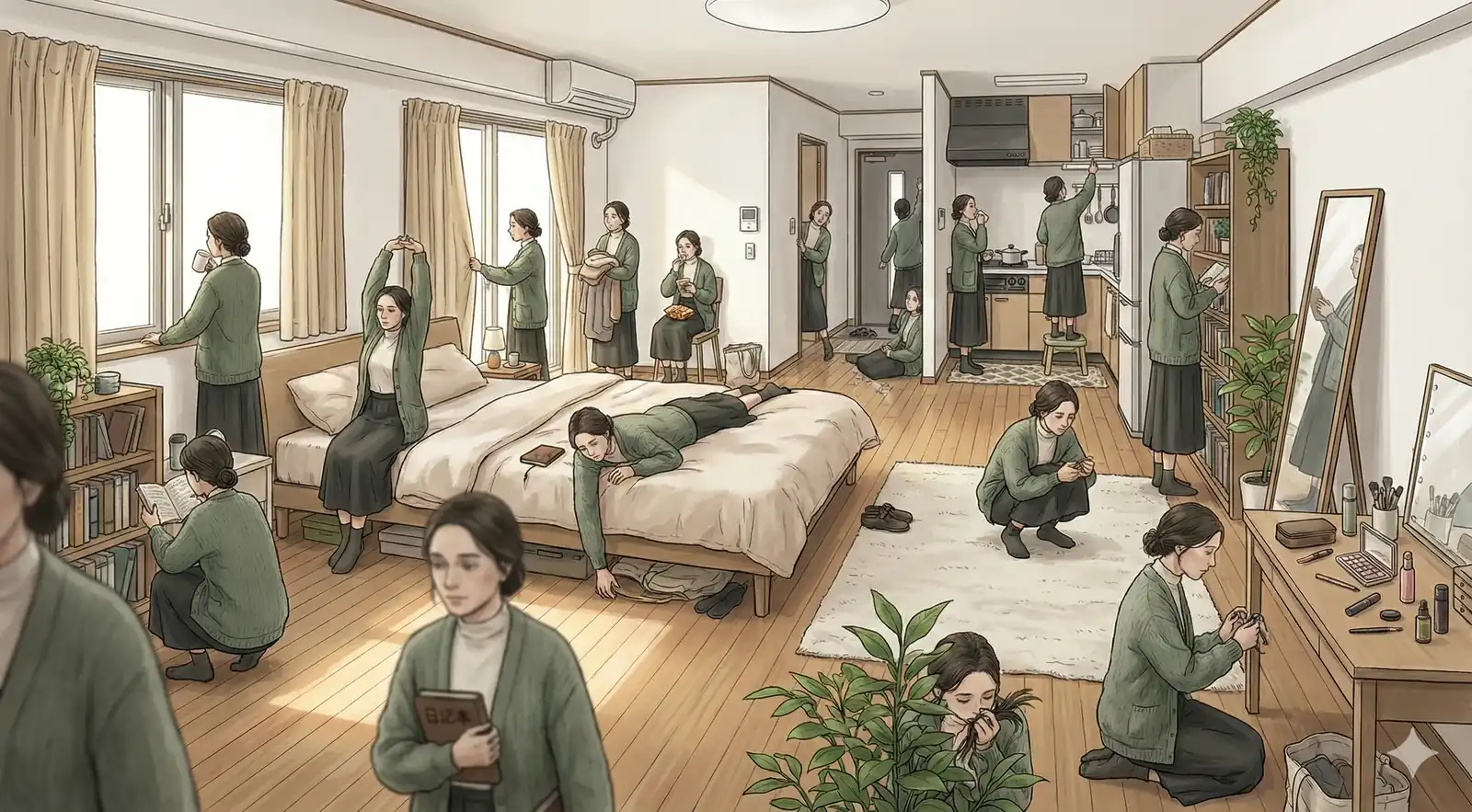
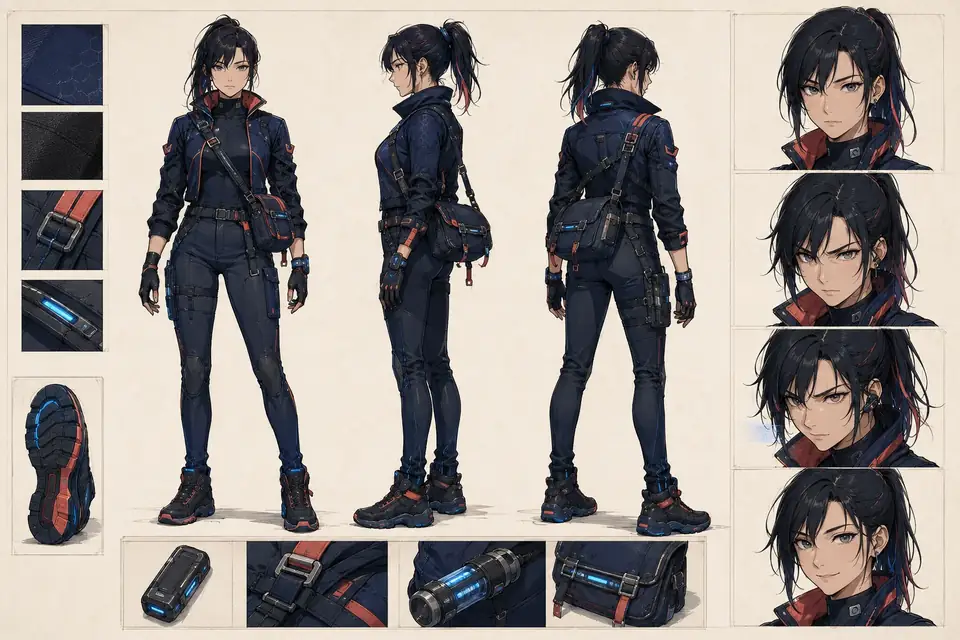
studio ghibli style, hand-drawn animation, soft colors, whimsical atmosphere, detailed backgrounds, warm lighting
Write a prompt, mix in references, and turn rough ideas into polished anime visuals in one focused workspace.
Prompt first. Model, references, and export settings stay close so the creative loop stays fast.
Fast anime generation
Tap a style to append it to your prompt and keep moving.
Your latest outputs appear here with a cleaner preview-first layout.
Your next frame starts here
Write a prompt, choose a model, and generate when the direction feels right.
A tighter look at the styles, mood, and finish you can build inside AniFlow.

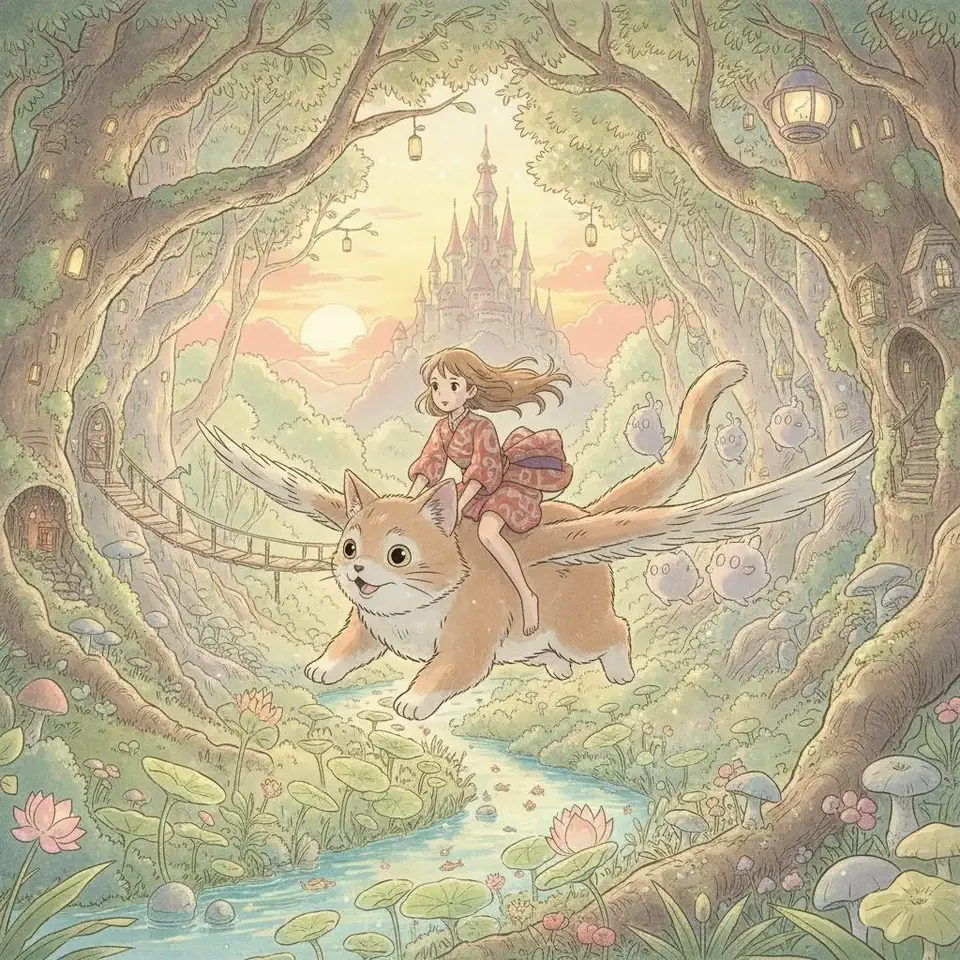
studio ghibli style, hand-drawn animation, soft colors, whimsical atmosphere, detailed backgrounds, warm lighting

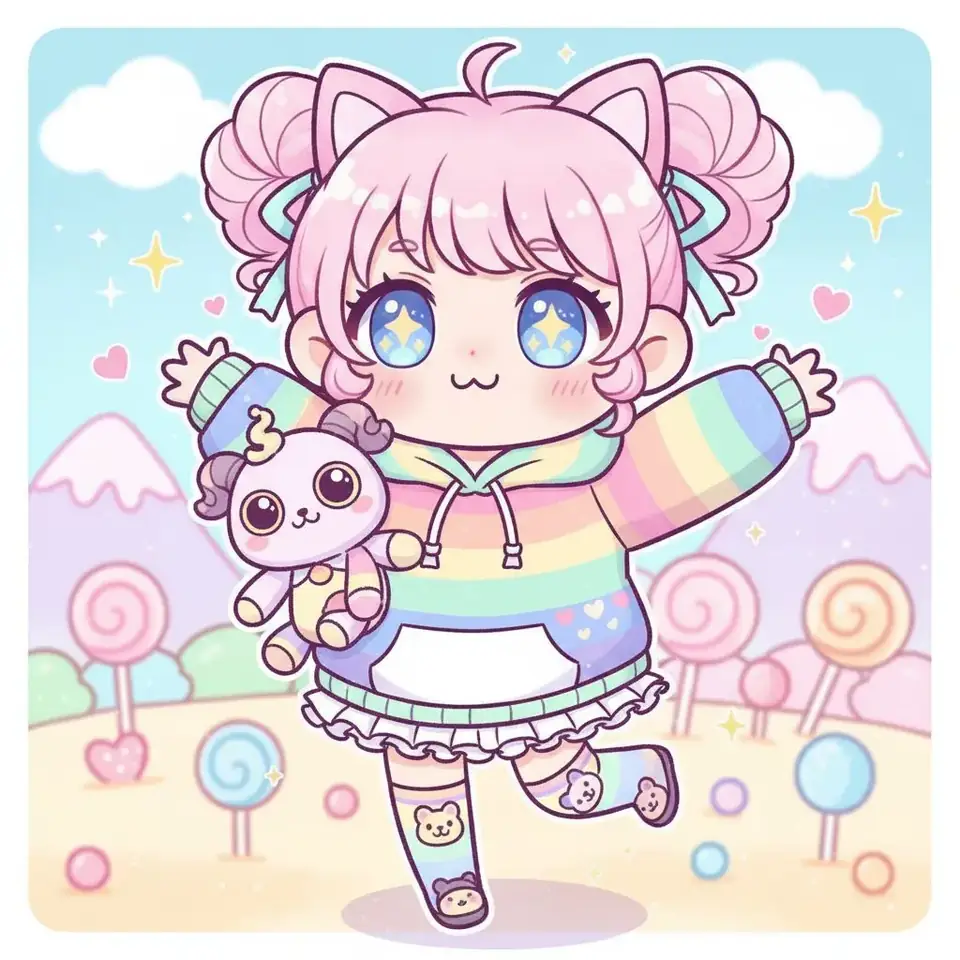
chibi anime style, cute proportions, big eyes, simplified features, kawaii, adorable, playful

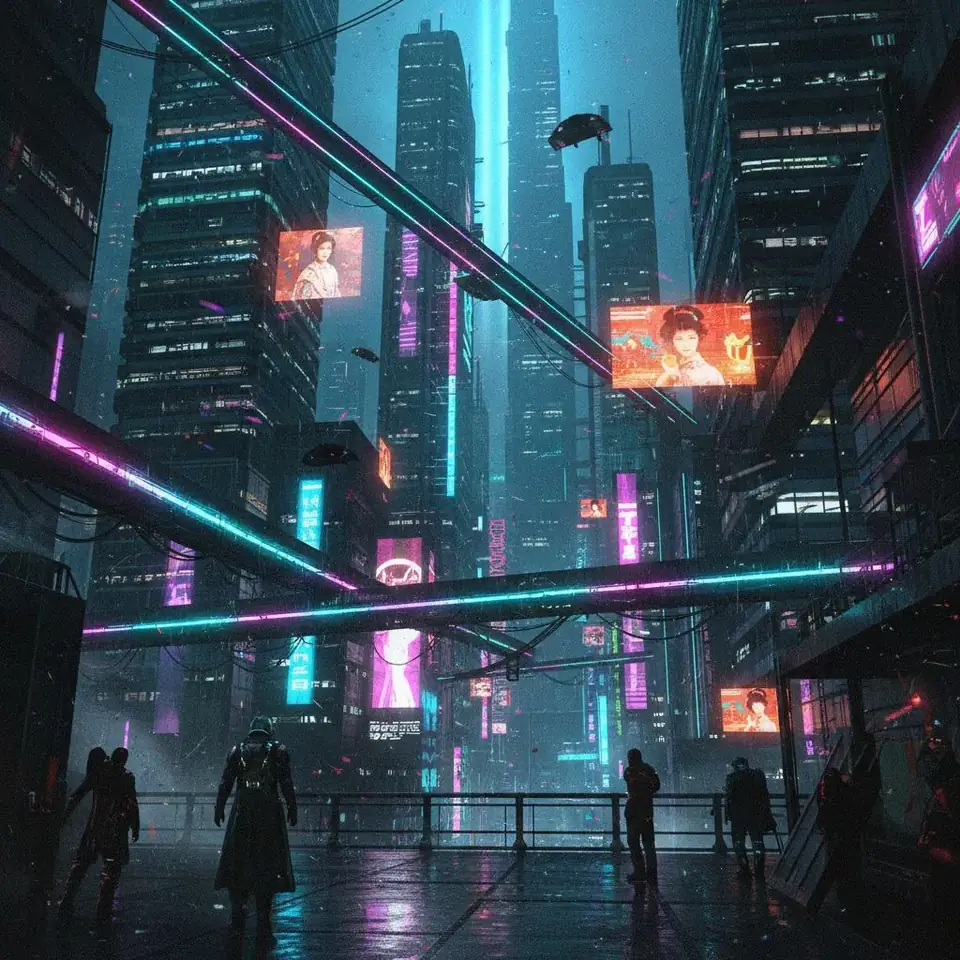
cyberpunk anime style, neon lights, futuristic city, dark atmosphere, high contrast, glowing effects, tech noir
AniFlow keeps the creative loop tight so you can move from idea to strong output without wrestling the UI.
Keep your idea in focus with a layout that prioritizes the prompt, model choice, and style direction instead of burying them under options.
Switch between text-to-image and image-to-image quickly so color, pose, and composition can evolve without losing momentum.
Preview stronger results immediately, download clean exports, and reuse working prompts from the gallery without breaking flow.
AniFlow AI brings prompt-first ideation, text-to-image and image-to-image iteration, reference image mixing, curated style presets, and clean high-resolution exports into one workflow so you can move from idea to polished frame faster. To start generating right away, visit the AI anime image generator page
Common questions about AniFlow AI animation generator and anime image creation.
Can't find what you're looking for? Contact our customer support team
Start with a prompt, refine with references, and ship anime visuals that feel intentional instead of generic.